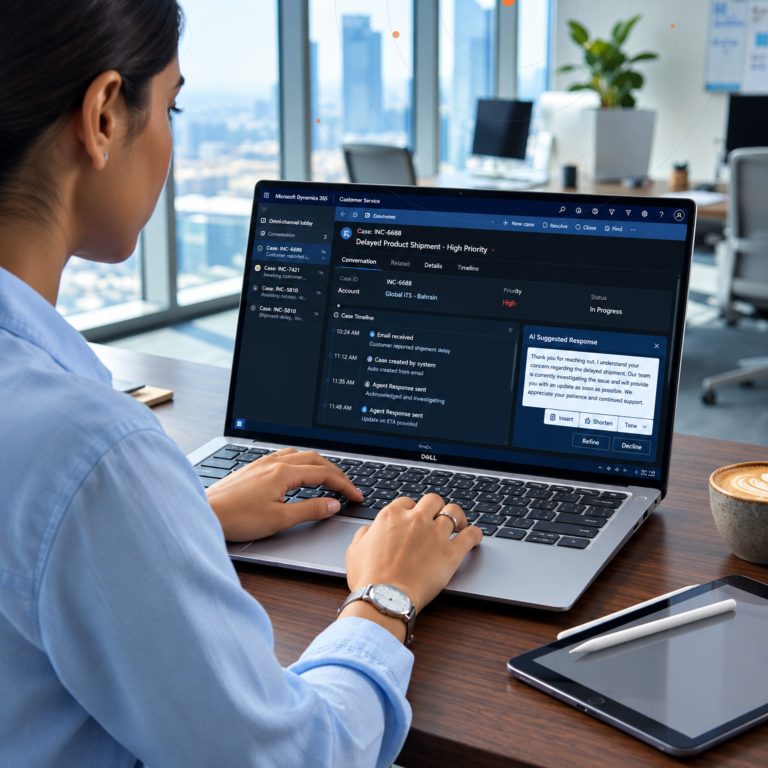


In today’s hyper-competitive digital landscape, “one size fits all” is a phrase that no longer applies to enterprise software. While Microsoft Dynamics 365 and the Power Platform provide a world-class foundation for business operations, the true competitive advantage lies in specialization.
Building industry-specific templates—often referred to as “Vertical Solutions”—allows businesses to standardize best practices, reduce deployment timelines, and ensure a higher return on investment (ROI). Whether you are in manufacturing, healthcare, or financial services, the ability to wrap your unique industry logic into a repeatable template is a game-changer.
The Strategic Value of Vertical Templates
Standard ERP and CRM implementations often require months of discovery and custom coding. By developing industry-specific templates on Dynamics 365, you essentially create a “Business Accelerator.” These templates pre-configure the data schema, workflows, and user interfaces to meet 80% of an industry’s needs out of the box.
This approach significantly lowers the Total Cost of Ownership (TCO). Instead of reinventing the wheel for every department or subsidiary, you deploy a proven framework. This is particularly vital for sectors with heavy compliance requirements.
Core Pillars of Industry-Specific Development
1. Data Layer: Industry-Standard Schemas
The foundation of any template is the Dataverse. Microsoft provides the Common Data Model (CDM), which includes standard entities. To build a vertical template, you must extend these entities to include industry-specific attributes.
2. Logic Layer: Automated Industry Workflows
Every industry has unique “rhythms.” Using Power Automate, you can build these logic flows into your template so that they trigger automatically upon deployment, ensuring consistency across the board.
3. Experience Layer: Role-Based Interfaces
Power Apps allows you to build canvas or model-driven apps that are tailor-made for specific industry roles. Your template should include pre-defined dashboards that highlight relevant Key Performance Indicators (KPIs).
Step-by-Step Guide to Building Your Template
Step 1: Define the Industry Blueprint
Document the specific pain points of the industry. What are the common regulatory hurdles? What are the standard reporting requirements? This acts as your development roadmap.
Step 2: Leverage Microsoft Industry Accelerators
Microsoft offers several Industry Accelerators that provide a head start for sectors like Education, Non-profits, and Telecommunications.
Step 3: Develop in a Dedicated Sandbox
Always build your template in a “Clean Room” environment to ensure that no organization-specific customizations accidentally leak into your master template.
Step 4: Componentize and Parametrize
The key to a good template is flexibility. Use environment variables and connection references to allow the template to be “plug-and-play” across different environments.
Maximizing ROI Through Automation and AI
Integrating AI into your industry templates is now a necessity. With Microsoft Copilot and AI Builder, you can embed intelligence directly into your vertical solutions.
- Real Estate: AI models to extract data from lease agreements.
- Logistics: Predictive analytics for supply chain disruptions.
- Finance: Automated risk assessment and fraud detection.
Overcoming Deployment Challenges
While templates streamline the process, deployment requires careful governance. Managed solutions should be used to protect the core logic of your template. Furthermore, consider the Power Platform Center of Excellence (CoE) Starter Kit to manage your specialized apps at scale.
Conclusion
Building industry-specific templates on Dynamics 365 and the Power Platform is the most effective way to turn general-purpose software into a strategic asset. By focusing on standardized data models and automated industry logic, organizations can achieve superior operational agility.
At GlobalITS, we specialize in transforming the standard Microsoft stack into a powerhouse of industry-specific efficiency. Our team of experts is ready to guide you through every step of the journey.
Ready to accelerate your digital transformation?
Contact GlobalITS today for a personalized demo or consultation on building your industry-specific Microsoft ecosystem.